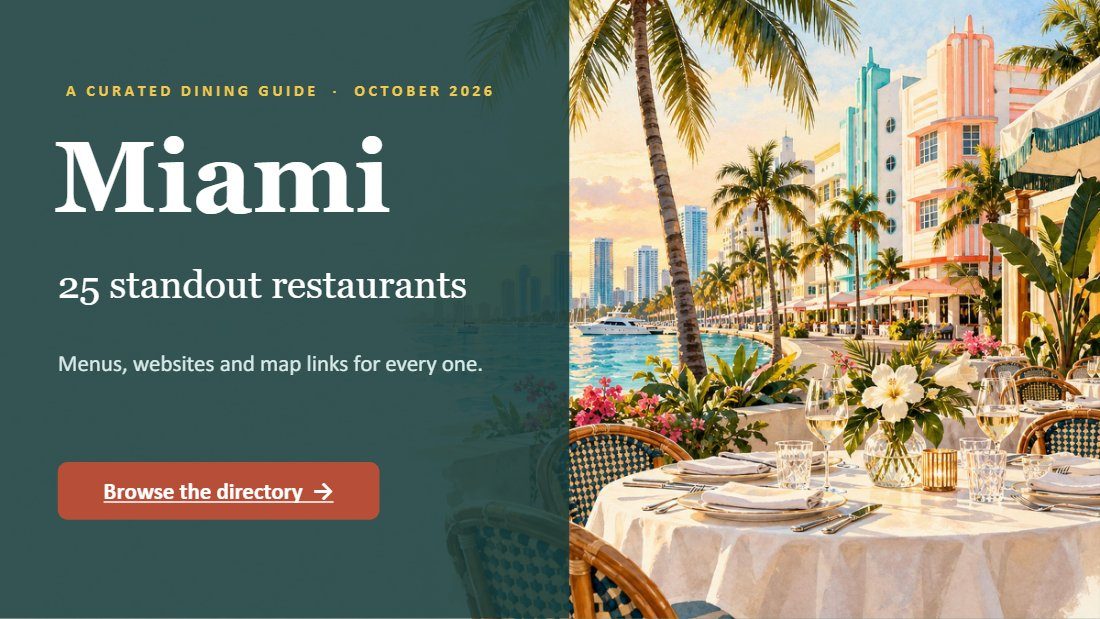
Miami Dining Guide, illustrated
An illustrated 29-slide dining guide to Miami, as a flipbook.

A short demo outline: the problem, three minutes in the Studio, and what to try first.
A short demo outline: the problem, three minutes in the Studio, and what to try first.
Inside: FlipbookIQ demo; The document changed. Your customer still has the old one.; The demo, in four moves; Move 1: your library; Move 2: edit the page; Move 3 and 4: share it; What to try first.
Page 1. Flipbook IQ Beautiful Flipbooks. Bigger Impact. FlipbookIQ demo Three minutes from a document to a link. Flipbook IQ 1
Page 2. The document changed. Your customer still has the old one. Flipbook IQ 2
Page 3. The demo, in four moves Open a PDF in the Studio. Change a price on the page. Show the QR code and the same link, updated. Set a password and an end date. Flipbook IQ 3
Page 4. Move 1: your library The library. All flipbooks, one place. Open one to edit. Flipbook IQ 4
Page 5. Move 2: edit the page The editor. Cover the old word, type the new. It saves by itself. Flipbook IQ 5
Page 6. Move 3 and 4: share it Sharing. QR code and short link. Password, end date, or email first. Flipbook IQ 6
Page 7. What to try first If you send menus or price lists Start from a template Print the QR code once If you send policies or handbooks Turn on acknowledgments Share one current link Flipbook IQ 7
Page 8. Flipbook IQ Your turn. Free to start. Bring a document. flipbookiq.com/app Flipbook IQ 8
An illustrated 29-slide dining guide to Miami, as a flipbook.
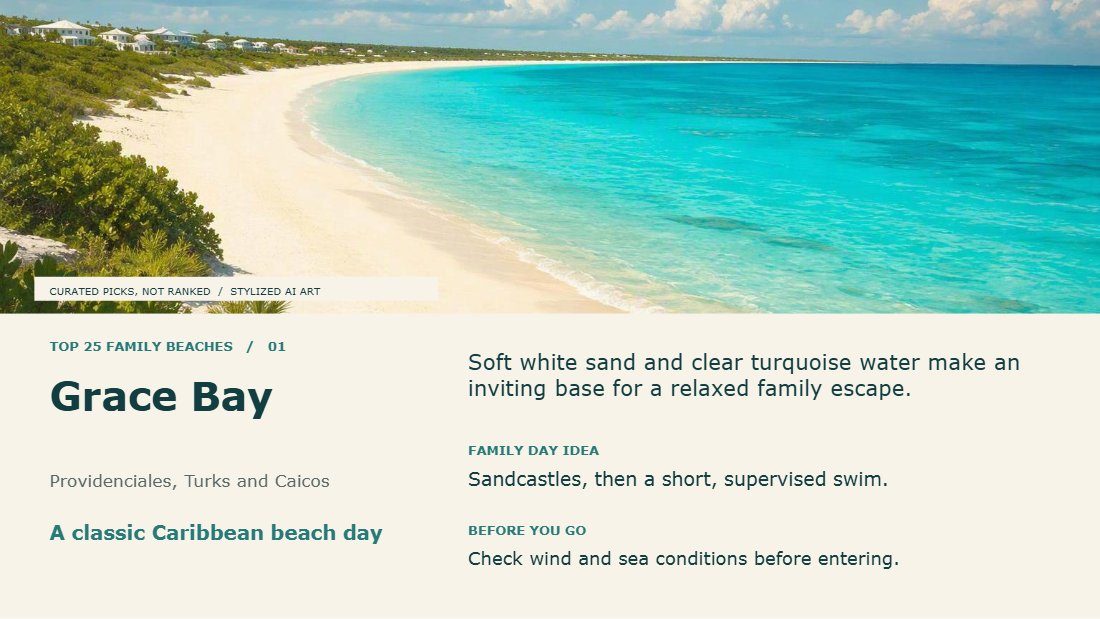
A 25-slide presentation of family beaches worldwide, as a flipbook.
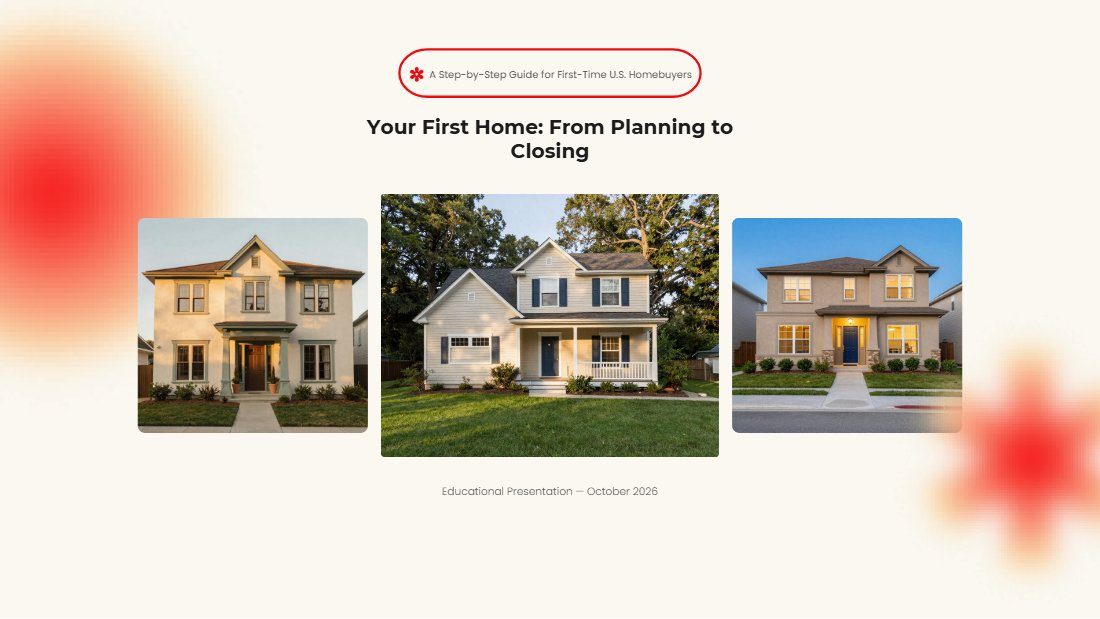
A 22-slide first-time home buyer presentation, published as a flipbook.
This was made with FlipbookIQ. Drop in a PDF, or start from Word or PowerPoint, and share a page-turning flipbook with one link, a QR code or an embed. Free to start. No card, no download.
© 2026 Kixlogic, LLC. All rights reserved. You are welcome to read this flipbook, link to it and share this page. Copying, reposting or selling its contents is not allowed. To ask for permission, or to report a problem, contact us.
Free to browse
Read page-turning flipbooks made with FlipbookIQ, share them, and get ideas for your own. Tell us who you are and you are in.