Questions people ask about FlipbookIQ
Short answers to the common questions: uploads, readers, tracking, updates, spreadsheets, the free plan and cancelling.

A short tour: turn a PDF, Word file or PowerPoint into a flipbook people open from a link, and keep it up to date.
A short tour: turn a PDF, Word file or PowerPoint into a flipbook people open from a link, and keep it up to date.
Inside: FlipbookIQ in 5 minutes; A PDF is a file. A flipbook is a link.; Three steps; Your library, in one place; Edit after you publish; You decide who sees it; Check before you share; Free and paid, plainly.
Page 1. Flipbook IQ Beautiful Flipbooks. Bigger Impact. FlipbookIQ in 5 minutes Turn a document into a page-turning flipbook that opens from one link. Flipbook IQ 1
Page 2. A PDF is a file. A flipbook is a link. Send the link once. Fix the document later. Everyone sees the latest version. Flipbook IQ 2
Page 3. Three steps Open your PDF, Word file, PowerPoint or spreadsheet. Add what makes it useful: links, notes, photos, a video. Publish. Share the link, the QR code or the embed code. Flipbook IQ 3
Page 4. Your library, in one place The FlipbookIQ Studio library. Every flipbook you have published, as cards you can scroll. Search, share, open or delete one or many. Your bookshelf is a page readers can visit too. Flipbook IQ 4
Page 5. Edit after you publish The editor. Add links, text, notes and free photos to any page. Cover a printed word and type a new one: a price, a date, a phone number. Changes save by themselves. The link stays the same. Flipbook IQ 5
Page 6. You decide who sees it Open to anyone with the link, or behind a password. Ask for an email address before the first page, on paid plans. Set an end date and the flipbook closes by itself. Allow or block downloading of the original. Flipbook IQ 6
Page 7. Check before you share Finds placeholder text and dates that have already passed. Spots the same price shown two different ways. Flags hard-to-read writing and links that no longer work. Points at the page. Never changes anything for you. Flipbook IQ 7
Page 8. Free and paid, plainly Free One flipbook online at a time Up to 20 pages, kept for 14 days Marked "Made with FlipbookIQ" Pro and above 50 flipbooks on Pro, 100 on Pro+, unlimited on Business Your own link name, logo and colors Passwords, email gate and view counts Flipbook IQ 8
Page 9. Flipbook IQ Try it with one document. Start free. No card. Your first flipbook takes a few minutes. flipbookiq.com/app Flipbook IQ 9
Short answers to the common questions: uploads, readers, tracking, updates, spreadsheets, the free plan and cancelling.
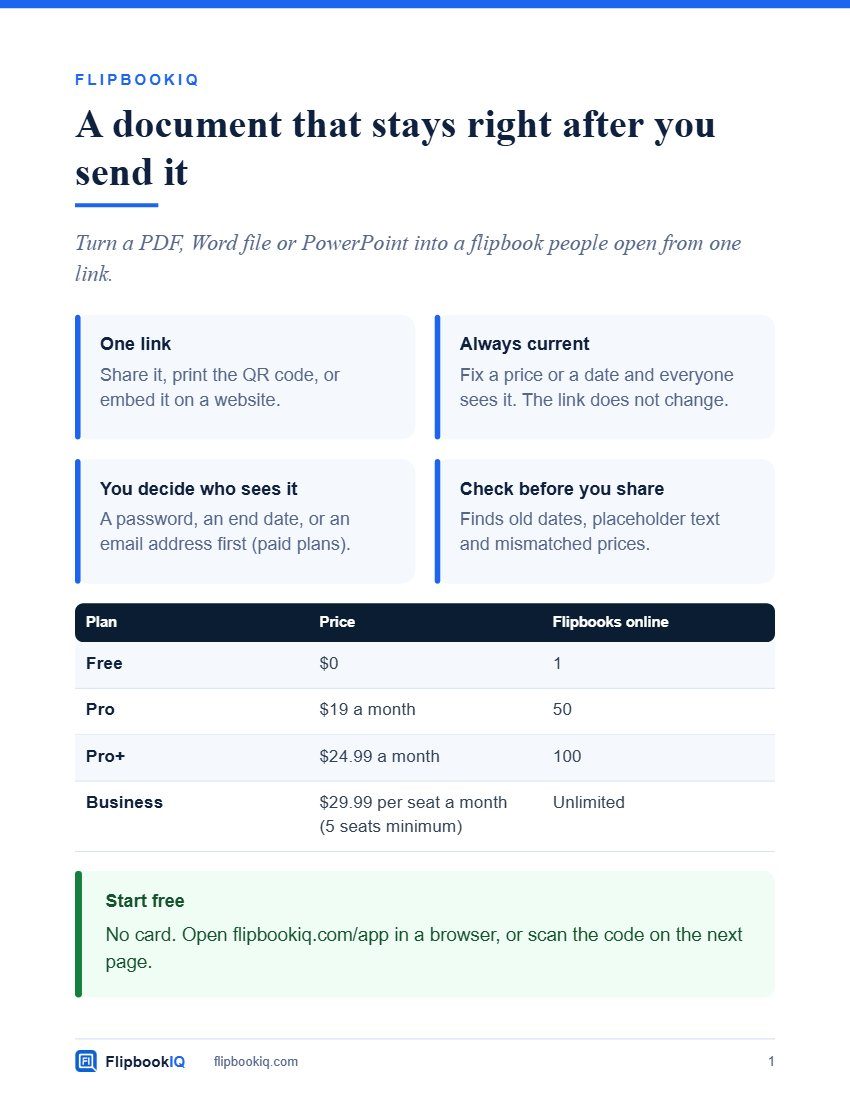
A one-page overview to hand to anyone who asks what FlipbookIQ is.
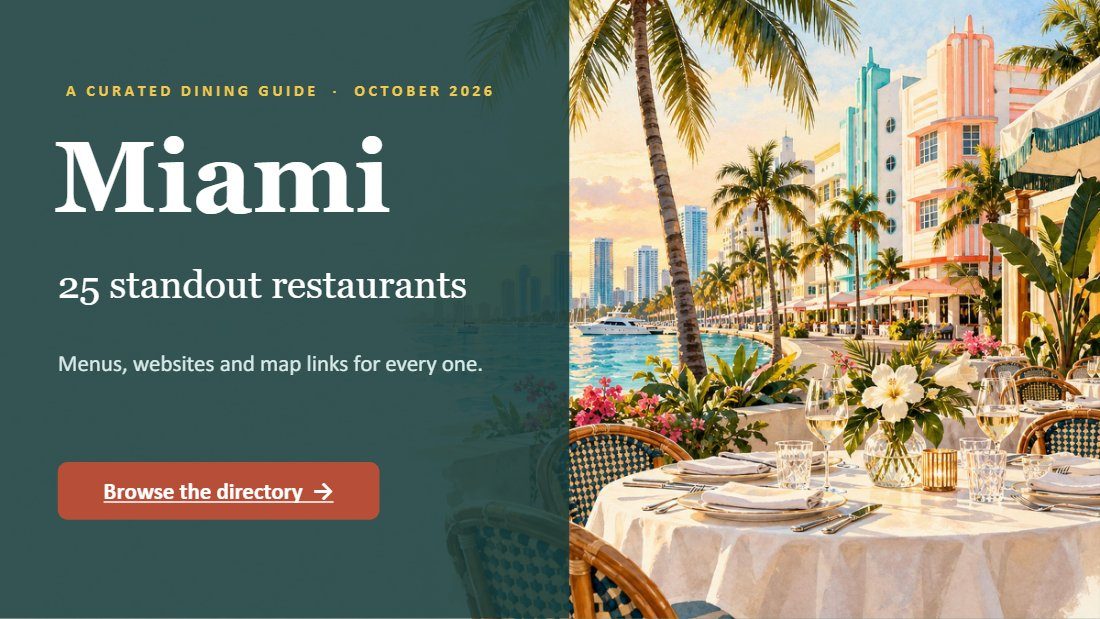
An illustrated 29-slide dining guide to Miami, as a flipbook.
This was made with FlipbookIQ. Drop in a PDF, or start from Word or PowerPoint, and share a page-turning flipbook with one link, a QR code or an embed. Free to start. No card, no download.
© 2026 Kixlogic, LLC. All rights reserved. You are welcome to read this flipbook, link to it and share this page. Copying, reposting or selling its contents is not allowed. To ask for permission, or to report a problem, contact us.
Free to browse
Read page-turning flipbooks made with FlipbookIQ, share them, and get ideas for your own. Tell us who you are and you are in.