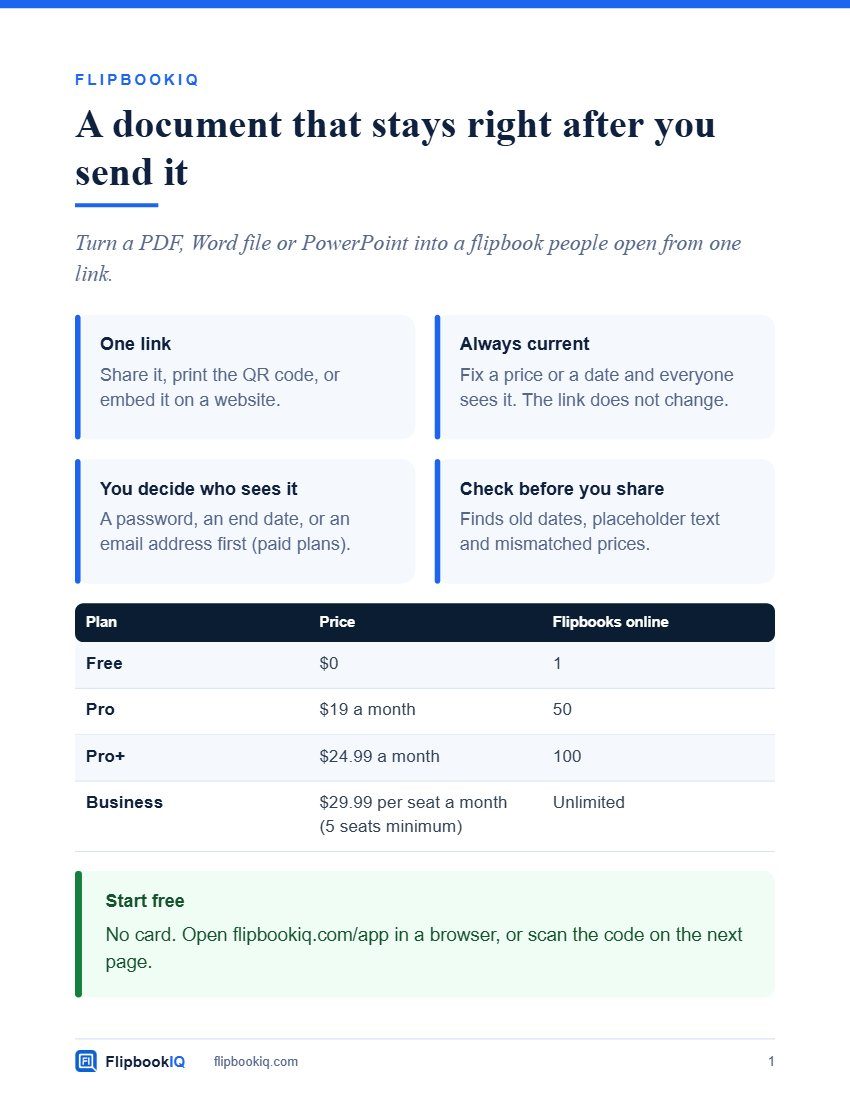
FlipbookIQ one-page overview
A one-page overview to hand to anyone who asks what FlipbookIQ is.

Short answers to the common questions: uploads, readers, tracking, updates, spreadsheets, the free plan and cancelling.
Short answers to the common questions: uploads, readers, tracking, updates, spreadsheets, the free plan and cancelling.
Inside: Questions people ask; Getting started; Readers, updates and the free plan.
Page 1. Flipbook IQ Beautiful Flipbooks. Bigger Impact. S H O R T A N S W E R S Questions people ask The ones we hear most, answered plainly. F L I P B O O K I Q flipbookiq.com
Page 2. U S I N G I T Getting started Do I need Word or PowerPoint? No. Open the Studio in your browser, sign in with your email and drop in a PDF. A free add-in for Word and PowerPoint makes the same flipbooks in the same account. Is my document uploaded? No. Pages are rendered on your own computer. When you publish, only the finished page images are uploaded, never the PDF, Word or PowerPoint file. What do my readers need? A web browser on a phone or a computer. No account, app or plug-in. Can readers still get a PDF? Yes. Every flipbook offers a searchable PDF and a saved copy that opens with no internet. You can switch either off. Flipbook IQ flipbookiq.com 2
Page 3. T R U S T A N D M O N E Y Readers, updates and the free plan Do you track my readers? No. We count views per flipbook per hour and store nothing about who read it. Page attention is anonymous totals, shown only after ten visits. What happens when I update the document? Publish again and the same link and printed QR code show the new pages. Can I publish a spreadsheet? Yes, Excel or CSV. A check looks for sensitive data first. Charts and pictures inside a workbook are not drawn yet. What does the free plan include? One flipbook online at a time, up to 20 pages, kept for 14 days, with a small "Made with FlipbookIQ" mark. Making flipbooks on your own computer is unlimited. Can I cancel? Yes, any time, from the billing page. No contract. Flipbook IQ flipbookiq.com 3
Page 4. Flipbook IQ Still curious? Try it on one document, free. Scan, or go to flipbookiq.com/app Beautiful Flipbooks. Bigger Impact.
A one-page overview to hand to anyone who asks what FlipbookIQ is.
A short tour: turn a PDF, Word file or PowerPoint into a flipbook people open from a link, and keep it up to date.
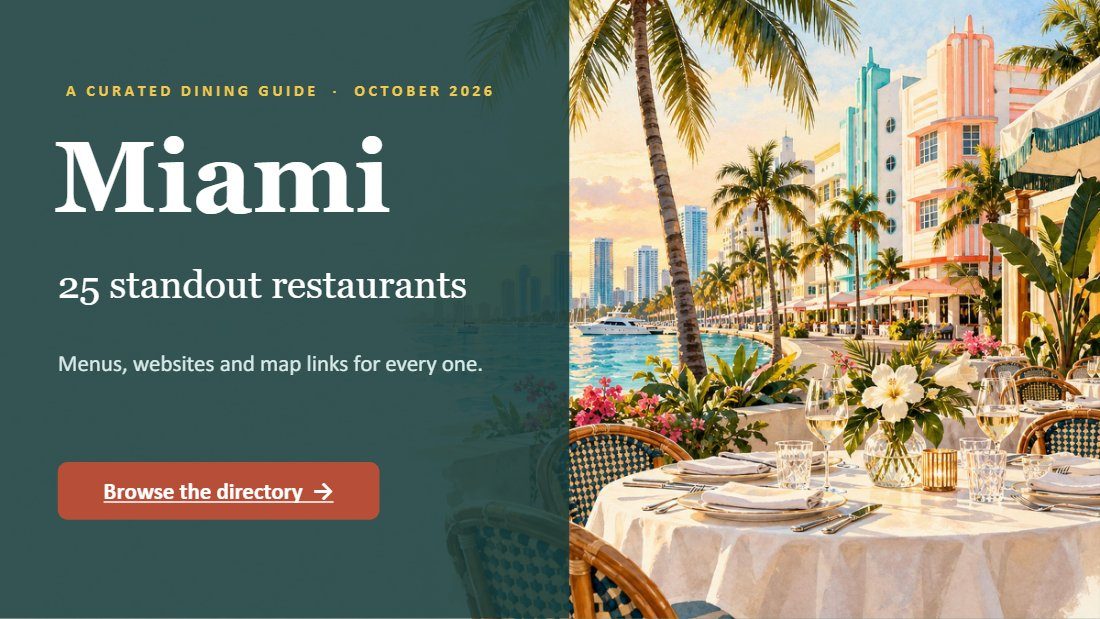
An illustrated 29-slide dining guide to Miami, as a flipbook.
This was made with FlipbookIQ. Drop in a PDF, or start from Word or PowerPoint, and share a page-turning flipbook with one link, a QR code or an embed. Free to start. No card, no download.
© 2026 Kixlogic, LLC. All rights reserved. You are welcome to read this flipbook, link to it and share this page. Copying, reposting or selling its contents is not allowed. To ask for permission, or to report a problem, contact us.
Free to browse
Read page-turning flipbooks made with FlipbookIQ, share them, and get ideas for your own. Tell us who you are and you are in.