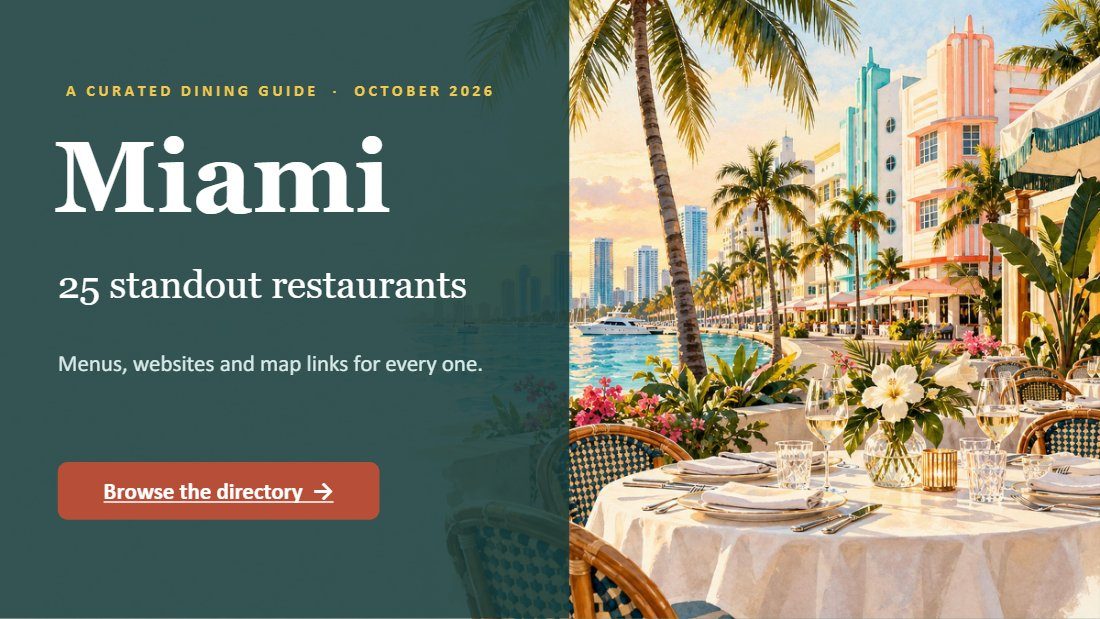
Miami Dining Guide, illustrated
An illustrated 29-slide dining guide to Miami, as a flipbook.

Where the free add-in works, what it does in Word and PowerPoint, and what to do on Mac and the web.
Where the free add-in works, what it does in Word and PowerPoint, and what to do on Mac and the web.
Inside: From Word and PowerPoint to flipbook; What works where; Three steps in either program.
Page 1. Flipbook IQ Beautiful Flipbooks. Bigger Impact. T H E F R E E A D D - I N From Word and PowerPoint to flipbook Publish from the program you already use. F L I P B O O K I Q G U I D E flipbookiq.com
Page 2. W H E R E I T W O R K S What works where Program What happens PowerPoint on Windows, Mac and the web The add-in turns your deck into pages and publishes it. Word on Windows The add-in renders the pages itself and publishes. Word on Mac and the web The add-in signs you in and opens the Studio, because Microsoft does not let add-ins render a Word document there. Save as PDF and open that in the Studio. No add-in? No problem FlipbookIQ also works in your browser with nothing to install. Open a PDF in the Studio and publish. Flipbook IQ flipbookiq.com 2
Page 3. U S I N G I T Three steps in either program 1 Install the add-in (the install guide on flipbookiq.com has the steps). 2 Open your document and choose FlipbookIQ on the ribbon. 3 Publish. You get a link, a QR code and an embed code. Your file is turned into pages on your computer. For teams, an administrator can deploy the add-in to everyone from the Microsoft 365 admin center; the install guide covers it. After publishing Open the flipbook in the Studio to add links, change a price, set a password or an end date. The link stays the same. Flipbook IQ flipbookiq.com 3
Page 4. Flipbook IQ Get the add-in. Free to install. Start in the browser and add it later if you want it. Scan, or go to flipbookiq.com/download Beautiful Flipbooks. Bigger Impact.
An illustrated 29-slide dining guide to Miami, as a flipbook.
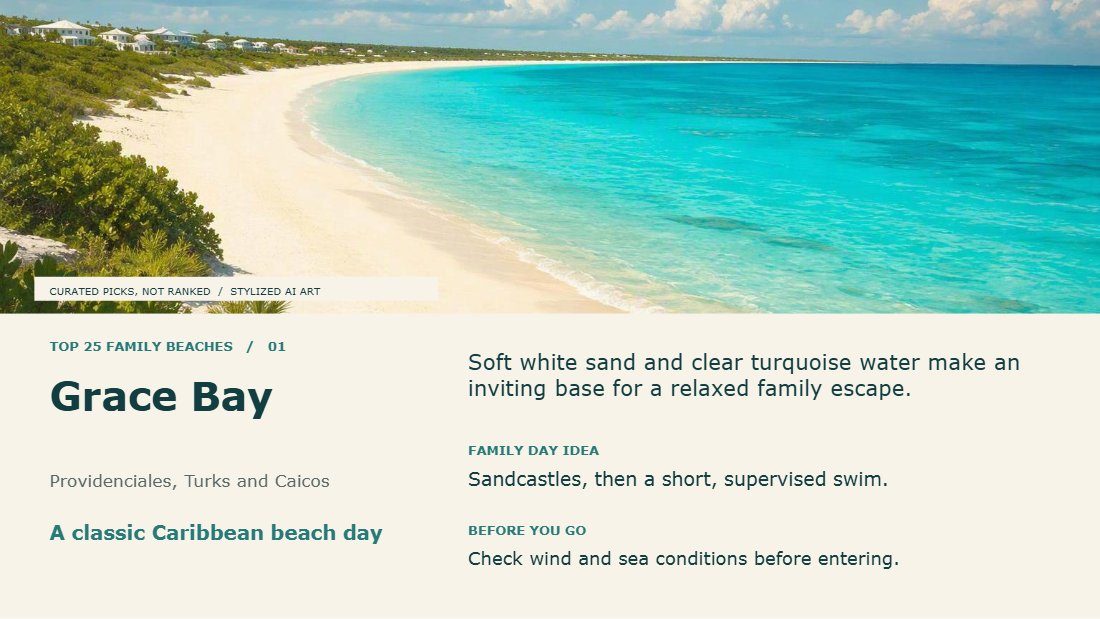
A 25-slide presentation of family beaches worldwide, as a flipbook.
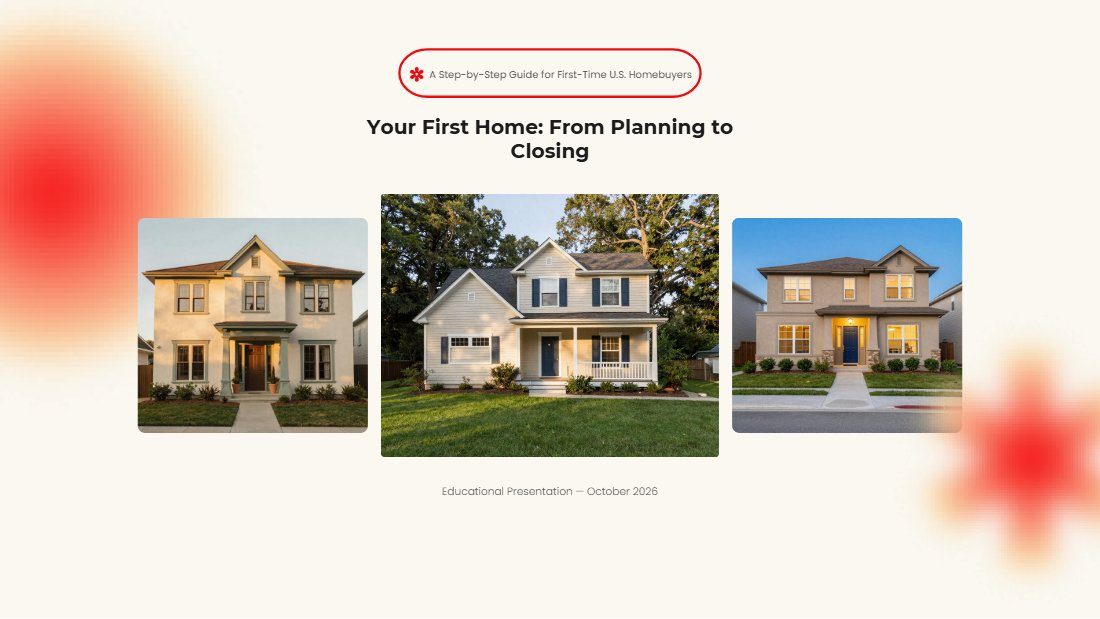
A 22-slide first-time home buyer presentation, published as a flipbook.
This was made with FlipbookIQ. Drop in a PDF, or start from Word or PowerPoint, and share a page-turning flipbook with one link, a QR code or an embed. Free to start. No card, no download.
© 2026 Kixlogic, LLC. All rights reserved. You are welcome to read this flipbook, link to it and share this page. Copying, reposting or selling its contents is not allowed. To ask for permission, or to report a problem, contact us.
Free to browse
Read page-turning flipbooks made with FlipbookIQ, share them, and get ideas for your own. Tell us who you are and you are in.